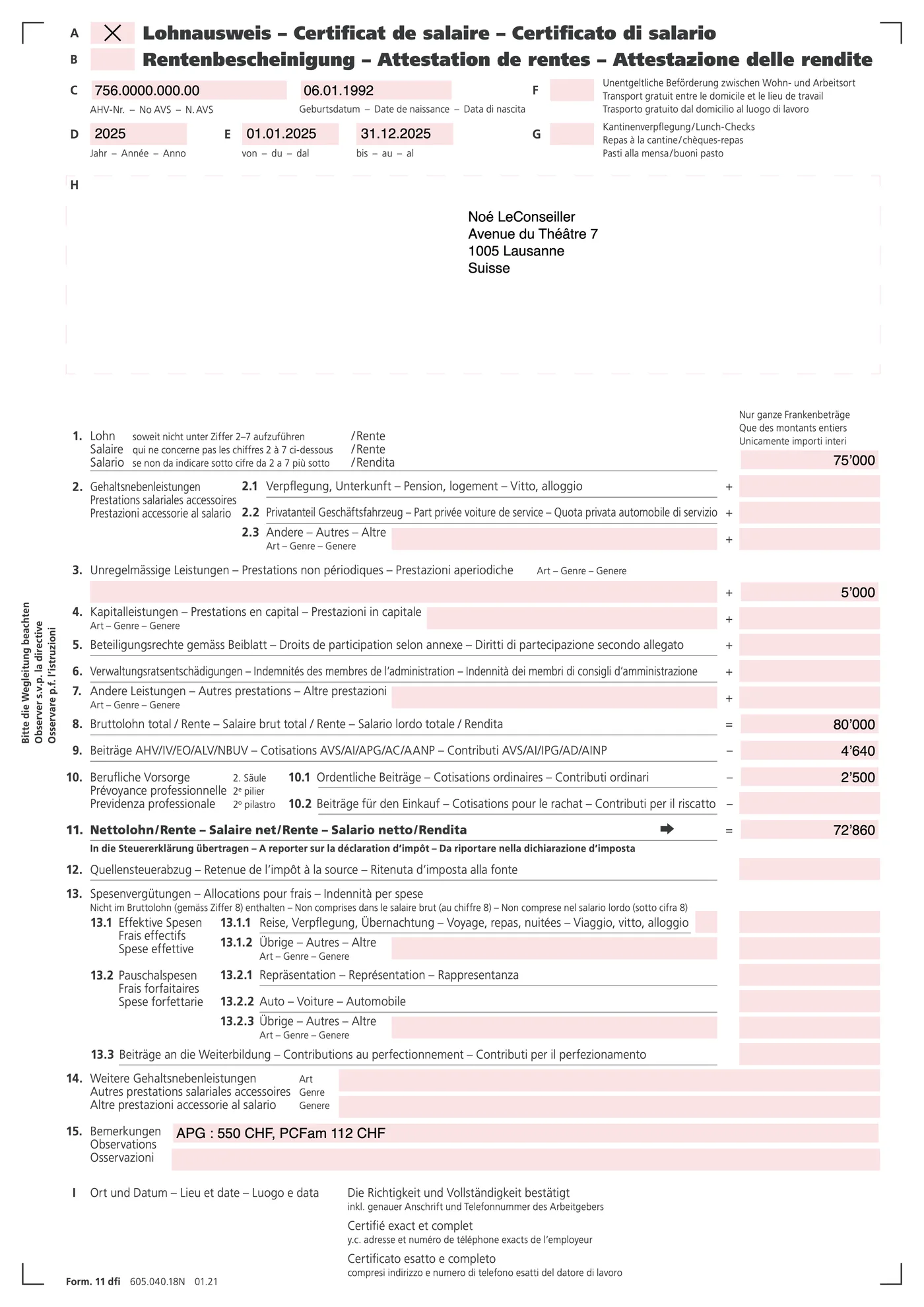
- Copy chiffre 11 from the certificate — the net amount, after social deductions.
- Don't subtract anything yourself: the official app derives the deductions.
- Confirm the full-year period so nothing gets annualised twice.
A copilot for Swiss taxes. Upload your documents, write a few lines about your year, and we tell you exactly what to enter in your cantonal tax app, one document at a time.
Swiss-hosted · deleted when you finish your return · never used to train AI
Beta price: CHF 5 with code BETA90 at checkout — regular CHF 50.
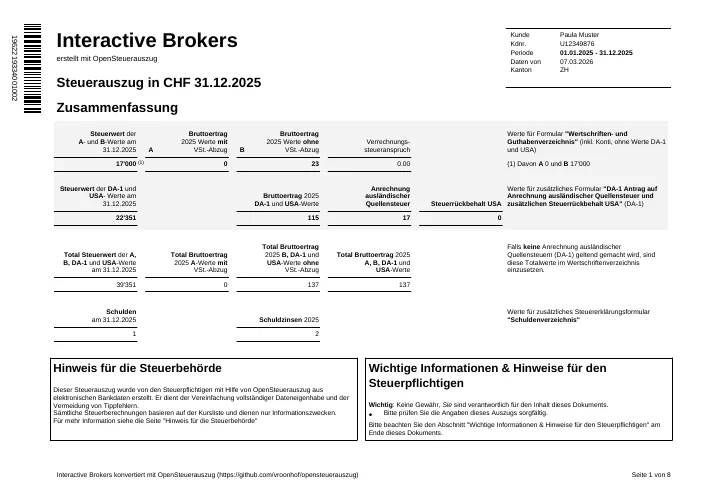
Got an Interactive Brokers, DEGIRO or Schwab statement? Convert it to a Swiss tax PDF →
A salary certificate goes in. What comes out is the card below: the field, the value, and where to type it in your canton's official tax app.

“It is not clear to me what value goes where.” — a filer on the Mustachian Post forum
Every document is read against your canton's deduction rules — insurance-premium caps, pillar 3a, property costs, training, commuting. What you're entitled to but didn't claim shows up as a card in the guide.
Upload the same documents and compare. The guide shows what it would enter, entry by entry — and the re-check pass flags wrong-year documents, missing periods, and values that don't match the paperwork.
No. We convert IBKR, DEGIRO, Schwab and Swissquote exports into the official electronic tax statement (eCH-0196). You attach one PDF; the values import. Try the converter →
Canton, family, what the year looked like — from a few onboarding answers, the app lists the documents your situation calls for. Each one waits as its own card until you upload it; missing documents are normal, not errors.
Drop salary certificates, bank statements, pillar 3a attestations — and write a few lines about your year. The note guides the AI; a job change or a move stops being a surprise. Encrypted in transit, stored in Swiss data centers, deleted 24h after you finish.
“First year declaring stocks — opened an IBKR account in January. Pillar 3a at my employer's foundation. Same apartment in Lausanne all year.”
Each file is read into typed values you can inspect and correct. Nothing reaches your return unseen.
Open your canton's official tax application — VSTax in Valais, ZHprivateTax in Zurich, or whichever app your canton uses. One card per document tells you exactly what to type where, including what the app auto-caps or auto-calculates. Broker accounts skip the typing entirely: we convert the export into the official electronic tax statement (eCH-0196), and you attach one PDF. You file, we guide.
Tap any value you doubt and ask in plain language. Corrections update the card and everything that depends on it.
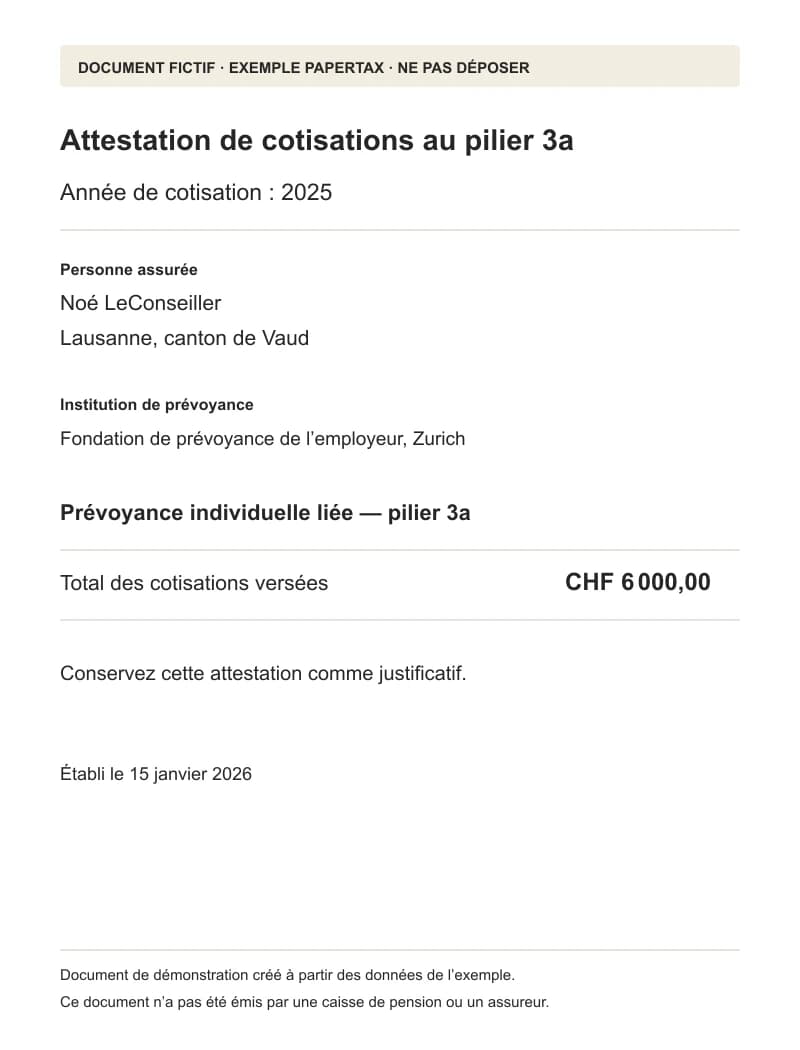
The Cotisations 3a value of 6'000 looks wrong. I paid more in December.
The attestation you uploaded shows 6'000 — a December top-up may have missed it. Ask your 3a foundation for the final 2025 attestation; upload it and I'll update the entry and re-run the cap check (CHF 7'258 maximum).
After the guide is built, a second review pass goes over it against your documents and current cantonal rules. What it finds changes the guide — visibly, in chat.
I re-checked the guide against your documents. The KPT statement you uploaded is the 2023 Auszug, not 2025 — I removed its numbers from the guide and added a waiting card for the health-insurance premium. Ask KPT for the 2025 statement and drop it here.
Beta price: CHF 5 with code BETA90 at checkout — regular CHF 50.